Searching Video Series
Learn how to search across Documents and Entities and how to apply Search Conditions
Viewing Tips
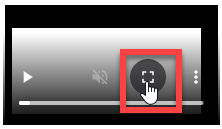
To view a video at full screen, click on the 'Full screen' button.
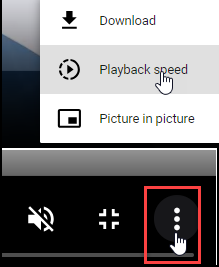
To adjust the playback speed (decrease or increase) click on the 3 dots and select Playback speed.
Captions display best if the mouse or touch-pad are not moved or engaged once playing.
Videos have no audio.
| Search Documents and Entities | Applying Search Conditions |